
How to organize receipts
There's a drawer, a wallet pocket, or a shoebox somewhere in your life that's slowly filling with crumpled receipts, half of them already fading to blank. When tax season comes, sorting that pile is nobody's idea of a good weekend.
Learning how to organize receipts isn't complicated, you just need one system you'll actually stick to. This guide covers the three that work, how to organize receipts in a binder, how to go paperless with electronic receipts and receipt software, and a faster way to keep receipts so the pile never forms again.
First, why keeping receipts matters
Keeping receipts isn't busywork. They're proof for tax deductions, warranty and return claims, expense reimbursements, and accurate bookkeeping. The catch: most receipts print on thermal paper that fades within a year or two, so a receipt you can't read is a deduction you can't claim. However you organize them, the goal is a record that survives until you need it.
How long "until you need it" runs is set by tax rules, not by preference — see how long the IRS requires you to keep receipts for the actual periods and what a digital copy has to show.
Option 1: How to organize receipts in a binder
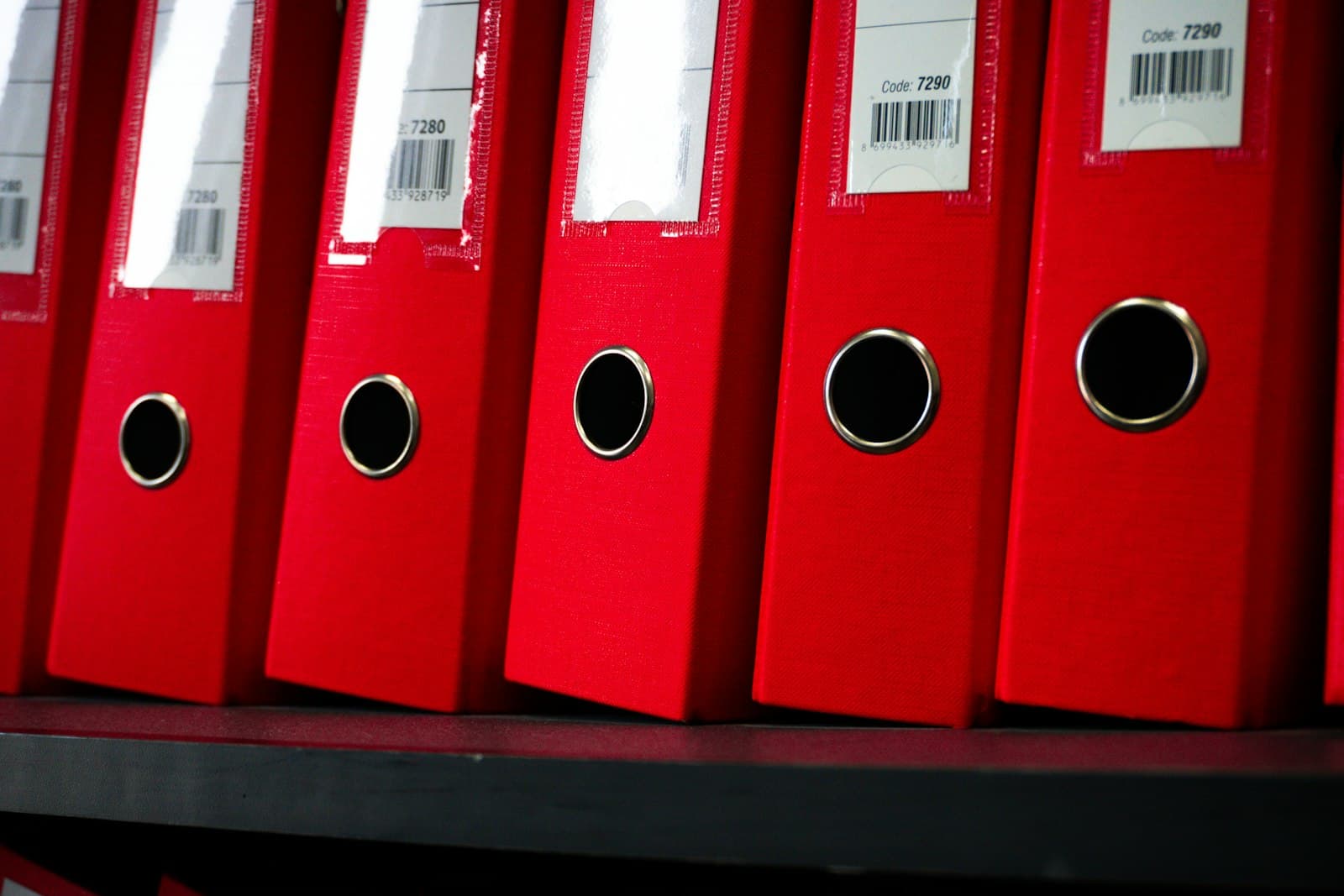
If you prefer paper, a binder is the classic system, and it works. Here's how to organize receipts in a binder so it actually holds up:
- One binder per tax year. Keep years separate so an audit or return is self-contained.
- Monthly dividers. Twelve tabs, January to December, so you're never hunting.
- Clear pocket pages. Slide receipts into plastic sleeves rather than stapling, faded thermal paper tears easily.
- Annotate as you file. Jot the category and amount on each receipt while it's still legible.
- Store it dry and dark. Heat and light speed up fading.
A binder's weakness is the same as its strength: it's physical. It can be lost, damaged, or simply left at the office when you need it, and the receipts inside keep fading no matter how neat the tabs are.
Option 2: Electronic receipts and folders
Going digital fixes the fading problem. The simplest version of electronic receipts uses cloud storage you already have:
- Create a folder per tax year, with subfolders by month or category.
- Photograph each paper receipt and save it with a clear name, e.g. 2026-05-12-shell-fuel-48.00.
- Forward email receipts straight into the right folder, or save them as PDFs.
This beats a binder, your receipts never fade and they're backed up, but it's still manual filing, and a folder of images doesn't add up your spending for you. You'll still move the numbers into a tracker by hand.
Option 3: Receipt software that files for you
The next step up is receipt software that does the filing and the math. Instead of naming files and typing totals, you snap a photo and the software reads it, the merchant, date, tax, and total, and stores the image against a categorized expense.
This is where the organizing problem actually disappears, because the receipt is captured, read, filed, and totaled in one step. No folders to maintain, no spreadsheet to update.
Capture it, don't file it
Tapsayve turns the receipt into a finished expense the moment you get it. Snap a paper receipt, PDF, or screenshot and the AI receipt scanner reads the line items, tax, and total, files the image, and categorizes it, no binder, no folders, no spreadsheet. Got no receipt? Just say the expense out loud. At tax time, export a clean bundle for your accountant.
Try Tapsayve freeWhich method should you use?
- A handful of receipts a month, and you like paper? A labeled binder is fine, just photograph the important ones as backup against fading.
- Comfortable going paperless? Cloud folders of electronic receipts are free and durable.
- Drowning in receipts, or self-employed? Receipt software that captures and totals automatically saves hours and protects every deduction.
Whatever you choose, the single rule that makes any system work is the same: capture each receipt the day you get it. Do that, and the shoebox never comes back.
FAQ
How to organize receipts: FAQ
How should I organize my receipts?
Pick one system and use it consistently. The three that work are a labeled binder for paper, folders in cloud storage for electronic receipts, or receipt software that captures and files them automatically. Sort by month and category, and capture each receipt the day you get it so a backlog never forms.
How do I organize receipts in a binder?
Use a binder with monthly dividers and clear plastic sleeves or pocket pages. Drop each receipt into the right month as you get it, and write the category and amount on the receipt if it's faded. For tax purposes, keep one binder per tax year and store it somewhere dry, receipts on thermal paper fade within a year or two.
How long should I keep receipts?
For tax-deductible business expenses, most tax authorities expect you to keep receipts for several years (often three to seven, check your local rules). Keeping receipts as clear digital copies solves the fading problem and means you can store them indefinitely without the physical clutter.
Are electronic receipts acceptable for taxes?
In most places, yes, a clear digital image or PDF of a receipt is generally accepted as proof of a business expense. Capturing electronic receipts also protects you against thermal-paper fading, which can make a paper receipt unreadable before you ever need it.
What's the best receipt software?
The best receipt software captures the receipt, reads the merchant, date, tax, and total, files the image, and rolls it into your expense totals automatically. Tapsayve does this with an AI receipt scanner and adds voice capture, so receipt-less expenses (a cash tip, a quick coffee) get logged too.
How do I stop receipts from piling up?
Capture at the source. The pile forms because of the gap between getting a receipt and filing it. Snap a photo the moment it lands in your hand and the paper original becomes optional, there's nothing left to sort later.
We build Tapsayve, an AI expense tracker people actually keep using, day to day, testing every workflow we write about here ourselves before we publish it.