
The best app to scan receipts
Scanning a receipt is easy. The hard part is everything after, getting the merchant, date, tax, and total out of the photo and into something that totals up at tax time. The best app to scan receipts isn't the one with the sharpest camera; it's the one that turns a photo into a finished, categorized expense with the least effort.
Below is an honest rundown of the best apps for scanning receipts, including a free receipt scanner option and the best receipt scanner for small business, starting with the one that does something the rest don't.
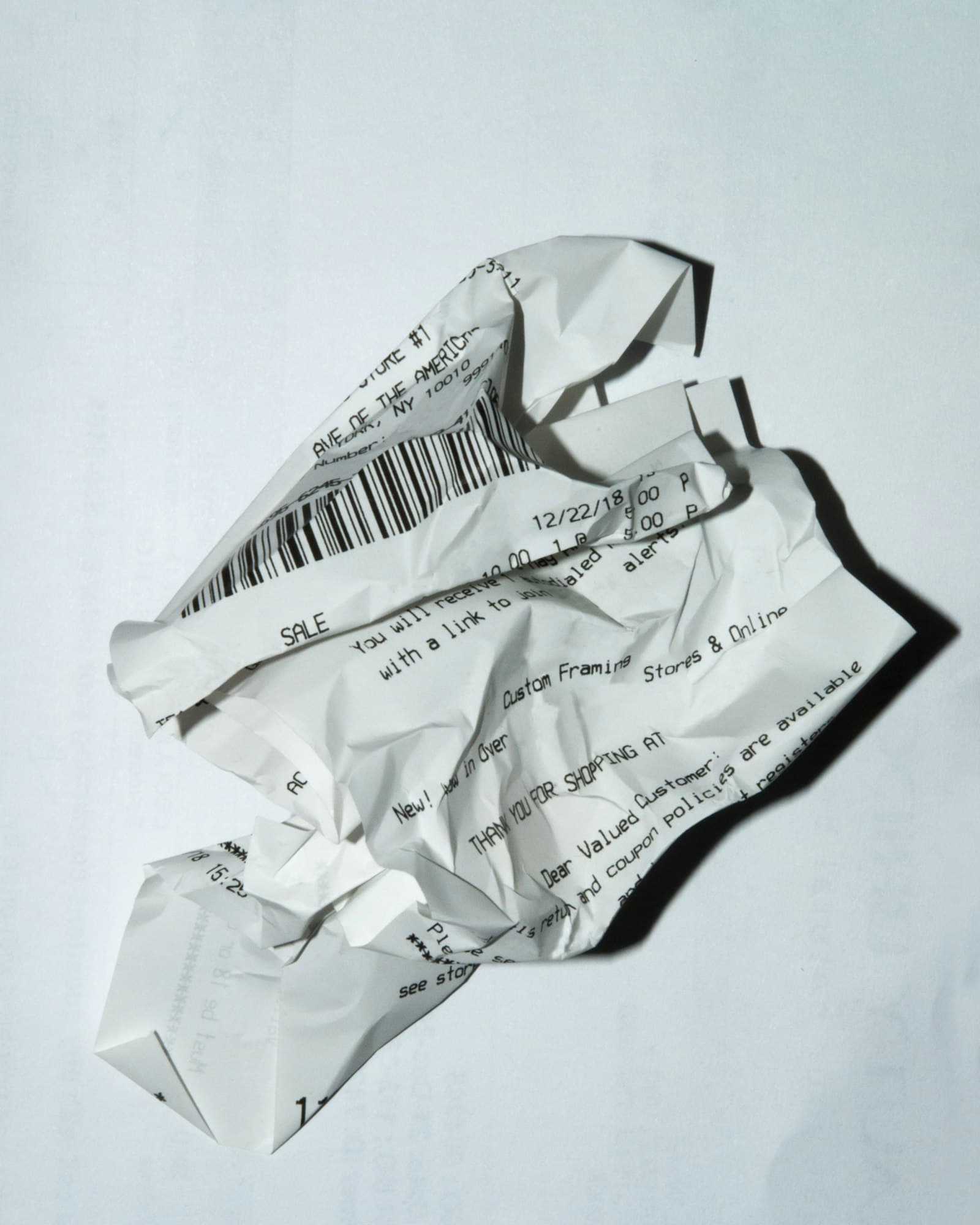
What makes a great receipt scanner app
Before the list, the four things that actually matter:
- Accurate extraction. A good receipt AI reads merchant, line items, tax, and total, even on crumpled or low-light receipts.
- Auto-categorization. The scan should land as a categorized expense, not just a stored image you sort later.
- It stores the image. Tax authorities want proof; the receipt photo should attach to the expense automatically.
- Low friction at capture. If snapping a receipt takes more than a few seconds, you won't keep it up.
1. Tapsayve
Tapsayve is the one app on this list that scans receipts and logs expenses by voice. Snap a paper receipt, PDF, or screenshot and its AI receipt scanner extracts merchant, line items, tax, and total, then auto-categorizes and stores the image for tax time. No receipt? Just say the expense.
- Receipt AI: OCR + vision on paper, PDF, and screenshots
- Voice capture for expenses with no receipt
- Auto-categorize, multi-currency, tax-bundle export
- Free Starter plan, no bank-account linking required
The other receipt scanner apps worth knowing
Tapsayve won't be the right fit for everyone. If you need formal expense reports, full accounting, or outsourced data entry, here are the strongest alternatives, each genuinely good at a specific job.
2. Expensify
Best for expense reportsA long-standing choice for teams that file expense reports. SmartScan reads receipts and turns them into report line items, with approvals and reimbursements built in. Heavier than most solo users need.
3. QuickBooks
Best if you already use QuickBooksIf your books already live in QuickBooks, its receipt capture attaches photos straight to transactions for reconciliation. Most valuable as part of the wider accounting suite rather than as a standalone scanner.
4. Wave
Free accounting + scanningFree accounting software with receipt scanning attached. A solid free receipt scanner for very small businesses that also want invoicing and basic books in one place.
5. Zoho Expense
Best for growing teamsAutoscan extracts receipt data and feeds structured expense management, with policies and multi-currency. Fits small businesses already in the Zoho ecosystem.
6. Shoeboxed
Best for outsourced data entryScan or even mail in receipts and have the data verified for you. Useful if you have a backlog and would rather hand off the entry, at a higher cost than self-serve apps.
7. Adobe Scan / Genius Scan
Best general document scannersExcellent at turning paper into clean PDFs, but they're document scanners, not expense tools. You'll still move the numbers into a tracker yourself.
Plans and features for third-party apps change often, check each vendor's site for current details before deciding.
How to choose the best app for scanning receipts
Match the tool to the job:
- Solo, freelancer, or busy small business? Pick a receipt AI that captures fast and exports for taxes, Tapsayve, with voice as a bonus for receipt-less spend.
- Need expense reports and approvals? Expensify or Zoho Expense.
- Want full books in one place? QuickBooks or Wave.
- Just need clean PDFs? Adobe Scan or Genius Scan.
Whichever you pick, the app is only half of it: see what the IRS requires of a scanned receipt before you rely on digital copies alone at tax time.
For most people drowning in receipts and short on time, the winning move is to remove data entry altogether: scan it or say it, and let the AI do the rest.
FAQ
Best app to scan receipts: FAQ
What is the best app to scan receipts?
The best app to scan receipts depends on what happens after the scan. If you want a clean PDF, a document scanner is enough. If you want the receipt turned into a categorized, tax-ready expense, choose a receipt AI like Tapsayve that extracts the merchant, line items, tax, and total and files them automatically, and lets you add expenses by voice too.
Is there a good free receipt scanner?
Yes. Tapsayve includes an AI receipt scanner on its free Starter plan (with a monthly quota), and Wave offers free receipt scanning alongside its free accounting tools. For occasional use, a free receipt scanner is plenty; heavy scanning usually moves you to a paid plan.
What's the best receipt scanner for small business?
For a small business that wants minimal admin, the best receipt scanner is one that captures, categorizes, converts currency, and exports a tax bundle without bookkeeping overhead, which is where Tapsayve fits. If you need formal expense reports and approvals, Expensify or Zoho Expense are stronger; if you want full books, QuickBooks or Wave.
What is a receipt AI?
A receipt AI uses OCR plus vision models to read a photographed or PDF receipt and pull out structured data, merchant, date, line items, tax, and total, instead of you typing it. Tapsayve's receipt AI also auto-categorizes the expense and stores the image for tax time.
Can I scan receipts and log expenses by voice in the same app?
Yes, that's what sets Tapsayve apart. Most apps only scan receipts; Tapsayve adds voice capture, so you can say an expense when there's no receipt (a cash tip, a quick coffee) and snap a photo when there is. Both feed the same categorized ledger.
We build Tapsayve, an AI expense tracker people actually keep using, day to day, testing every workflow we write about here ourselves before we publish it.