
Getting Started
Tapsayve is the fastest way to track spending, just talk to it or snap a photo. This section covers what Tapsayve is, how to create your account, and how to find your way around.
What is Tapsayve?
Tapsayve is an AI-powered expense tracker. Instead of filling in forms, you log expenses the fastest way possible:
- Speak it: say “lunch 12 dollars” and Tapsayve captures the amount, category, and date for you.
- Snap it: photograph a receipt and AI reads the merchant, total, and date.
- Type it: add an expense by hand whenever you prefer.
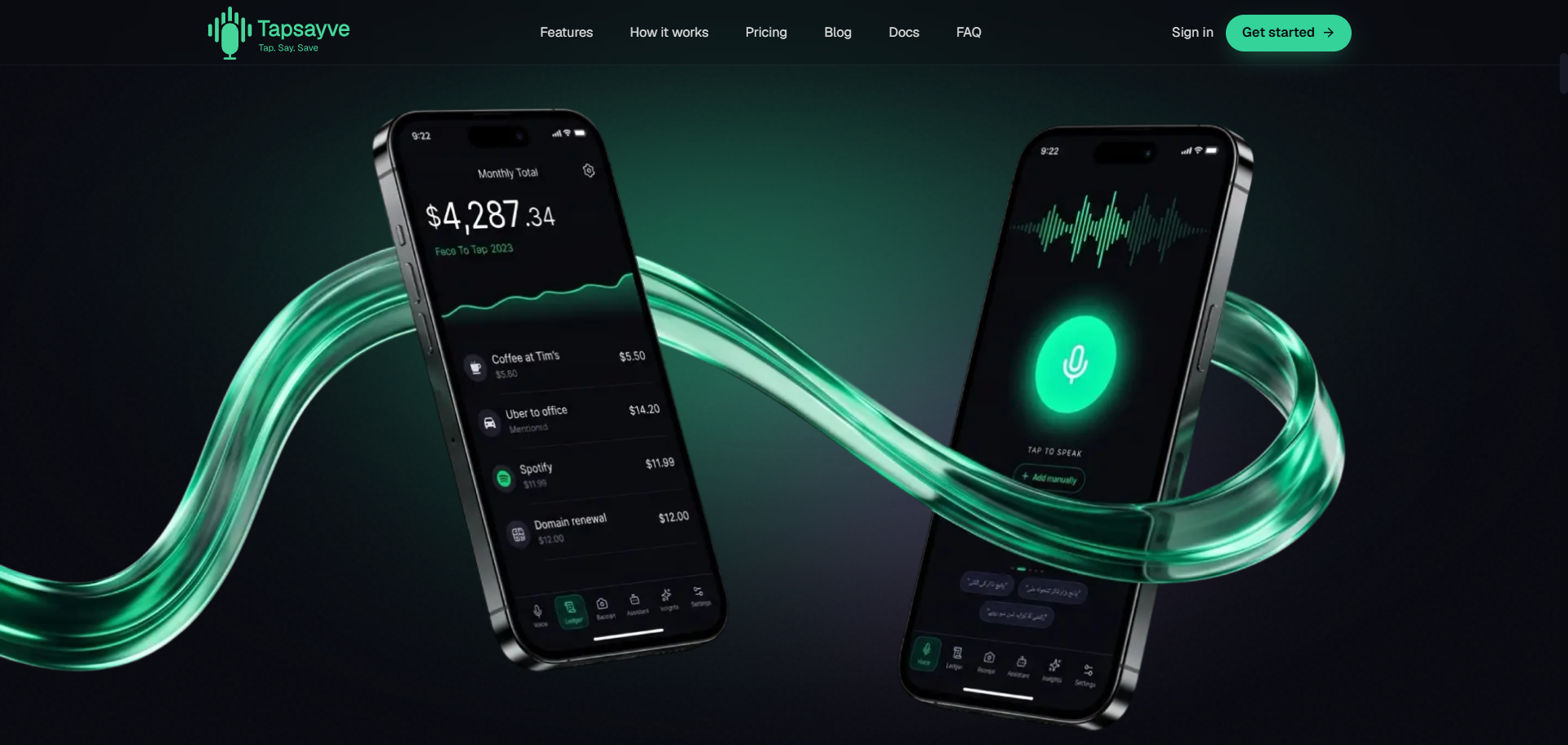
On top of logging, Tapsayve gives you a live dashboard, budgets and alerts, AI insights, recurring-subscription tracking, shared family workspaces, and CSV / tax exports. It's available as a mobile app (Android) and a web app at tapsayve.com, sharing the same account and data.

Creating an account
You'll need an account to save your expenses to the cloud so they sync across your phone and the web.
- 1Open the Tapsayve app, or go to tapsayve.com and select Sign in.
- 2Choose Create account (web) or the sign-up tab (mobile).
- 3Enter your name, email, and a password (at least 6 characters).
- 4Select Create account. That's it, you're in.
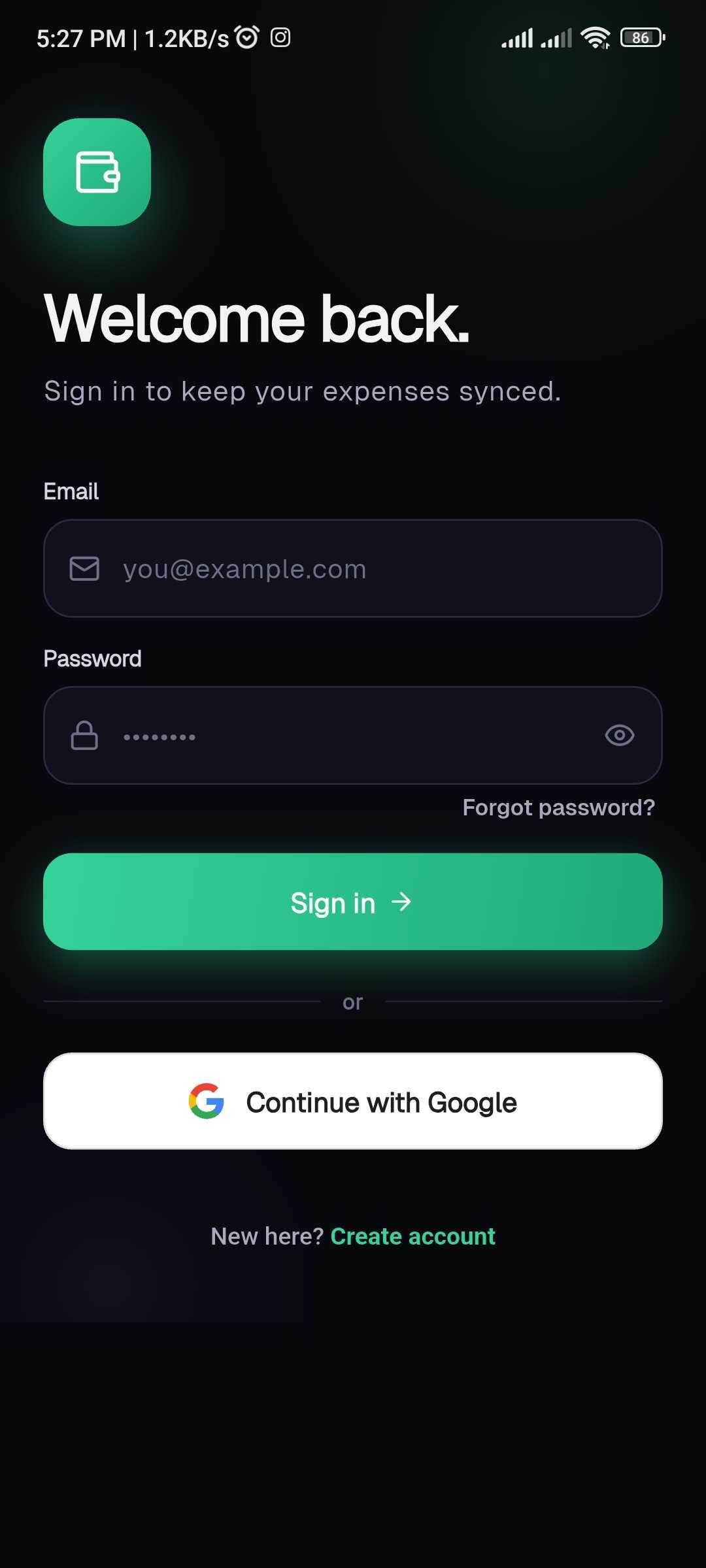
Prefer not to set a password? See Google Sign-In below.
Signing in
- 1Open the app or go to tapsayve.com.
- 2Enter the email and password you signed up with.
- 3Select Sign in.
Google Sign-In
You can create your account or sign in with one tap using your Google account, no password to remember.
- 1On the sign-in screen, select Continue with Google.
- 2Choose the Google account you'd like to use.
- 3You'll be signed straight into your dashboard.
Getting started with the app
Once you're in, the quickest way to see the value is to log a few expenses:
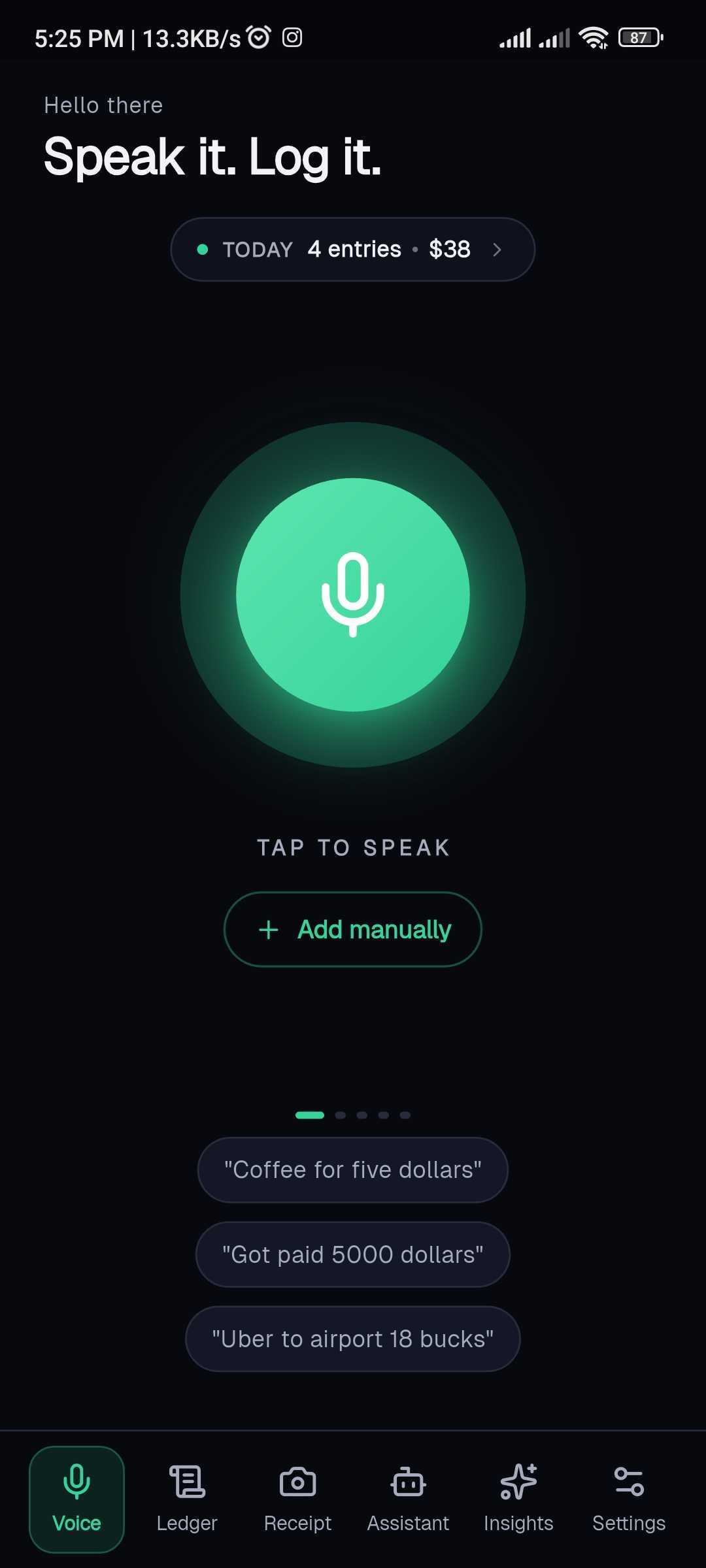
- 1Tap the microphone (mobile home screen) or Record (web header) and say an expense out loud.
- 2Or tap the receipt / camera button and photograph a receipt.
- 3Watch it appear in your ledger, already categorized.
- 4Set a monthly budget so Tapsayve can track you against a target.
- 5After you've logged at least 5 expenses, generate AI insights.
The in-app tour
The first time you sign in, Tapsayve offers a short guided tour that highlights the main areas, logging expenses, your ledger, insights, workspaces, and settings. Select Start tour to walk through it, or Skip to jump straight in. It won't pop up again once you've completed or skipped it.
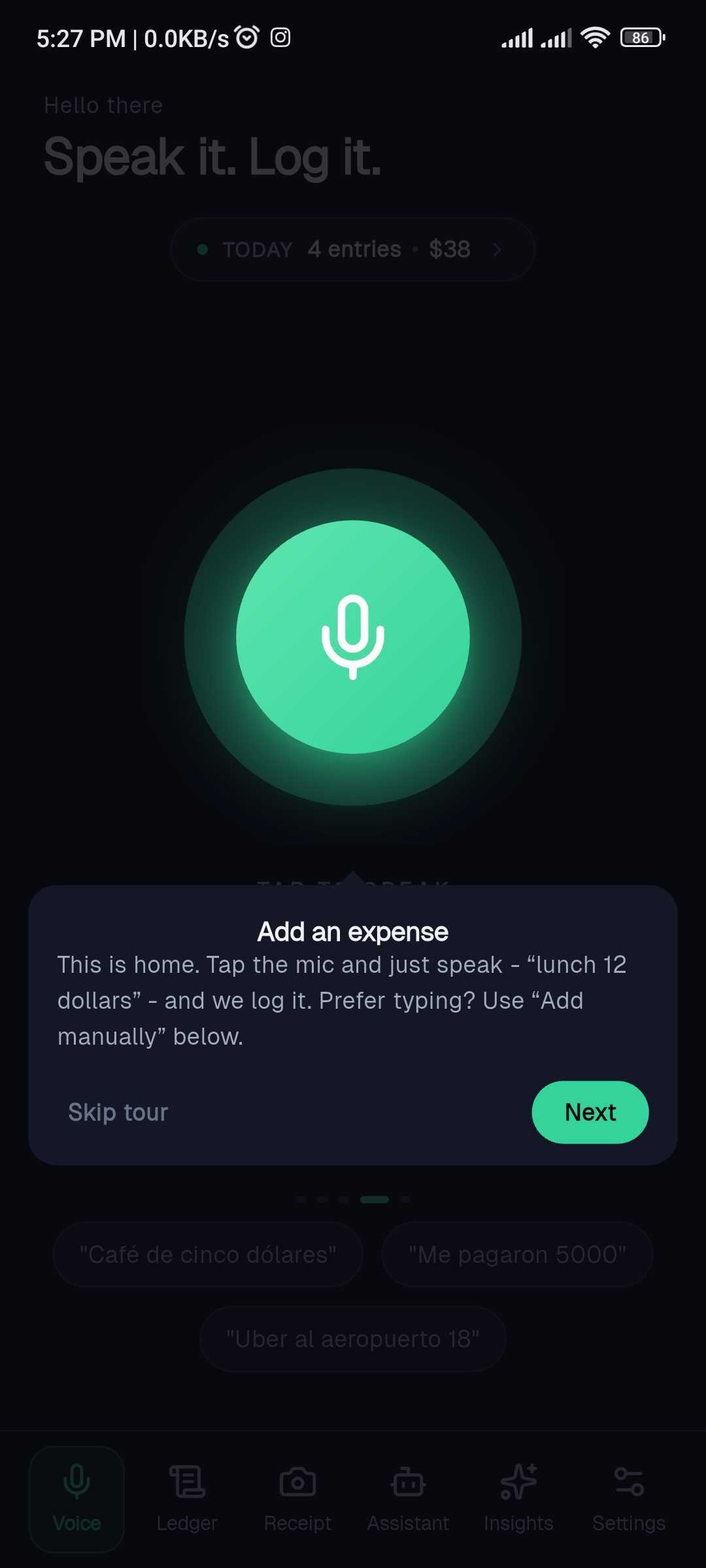
Mobile: go to Settings → Support → Take a tour.