Tapsayve is free to start. Paid plans raise your monthly allowances and unlock workspaces and subscription tracking. Here's exactly what each plan includes and how billing works.
There are four plans. Typing expenses is always free and unlimited.
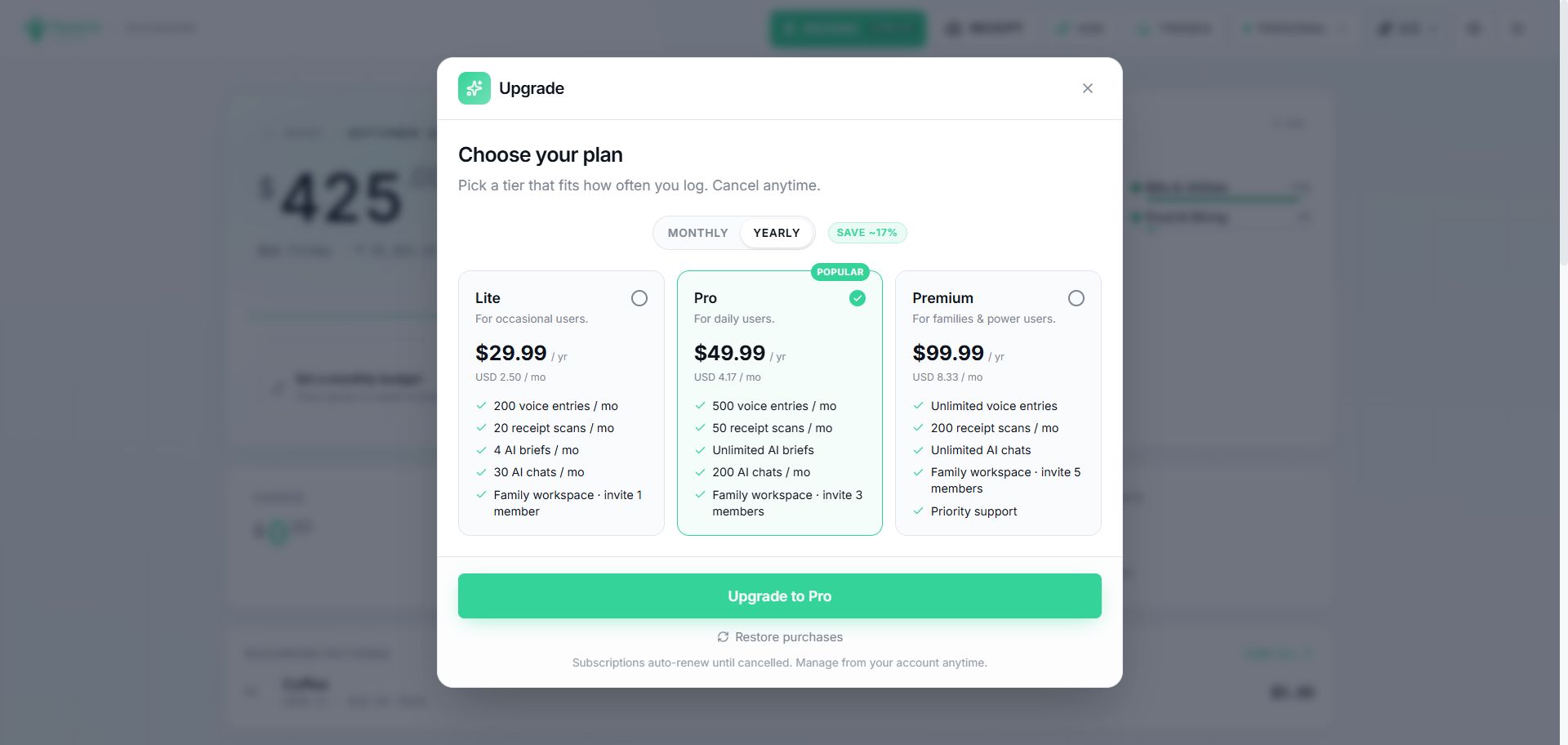
Plan
Monthly
Yearly
Best for
Starter (Free)
$0
-
Trying Tapsayve
Lite
$2.99
$29.99
Occasional users
Pro
$4.99
$49.99
Daily users
Premium
$9.99
$99.99
Families & power users
Note
Yearly plans save about 17% (roughly two months free). Prices are in USD; the exact amount you see at checkout comes from the app store in your local currency.
The Starter plan is free forever and is enough to get real value from Tapsayve. Each month it includes:
30 voice entries (max 2 per day)
5 receipt scans
1 AI insight
5 AI chats
Your Personal workspace (no shared workspaces)
Unlimited typed expenses, budgets, and CSV export
Voice entries have two limits
Free plan voice entries are capped at 2 per day AND 30 per month — both apply at the same time. Hitting either one pauses voice logging until that limit's own reset, even if you still have room left in the other. Each recording is also capped at 15 seconds.
Paid plans raise every monthly allowance and unlock family workspaces and subscription tracking.
Monthly limit
Free
Lite
Pro
Premium
Voice entries
30
200
500
Unlimited
Voice entries per day
2
Unlimited
Unlimited
Unlimited
Voice recording length
15 sec
Unlimited
Unlimited
Unlimited
Receipt scans
5
20
50
200
AI insights
1
4
Unlimited
Unlimited
AI chats
5
30
200
Unlimited
Typed expenses
Unlimited
Unlimited
Unlimited
Unlimited
Create workspaces
0
1
3
5
Members per workspace
-
2
4
6
Subscription tracking
-
Yes
Yes
Yes
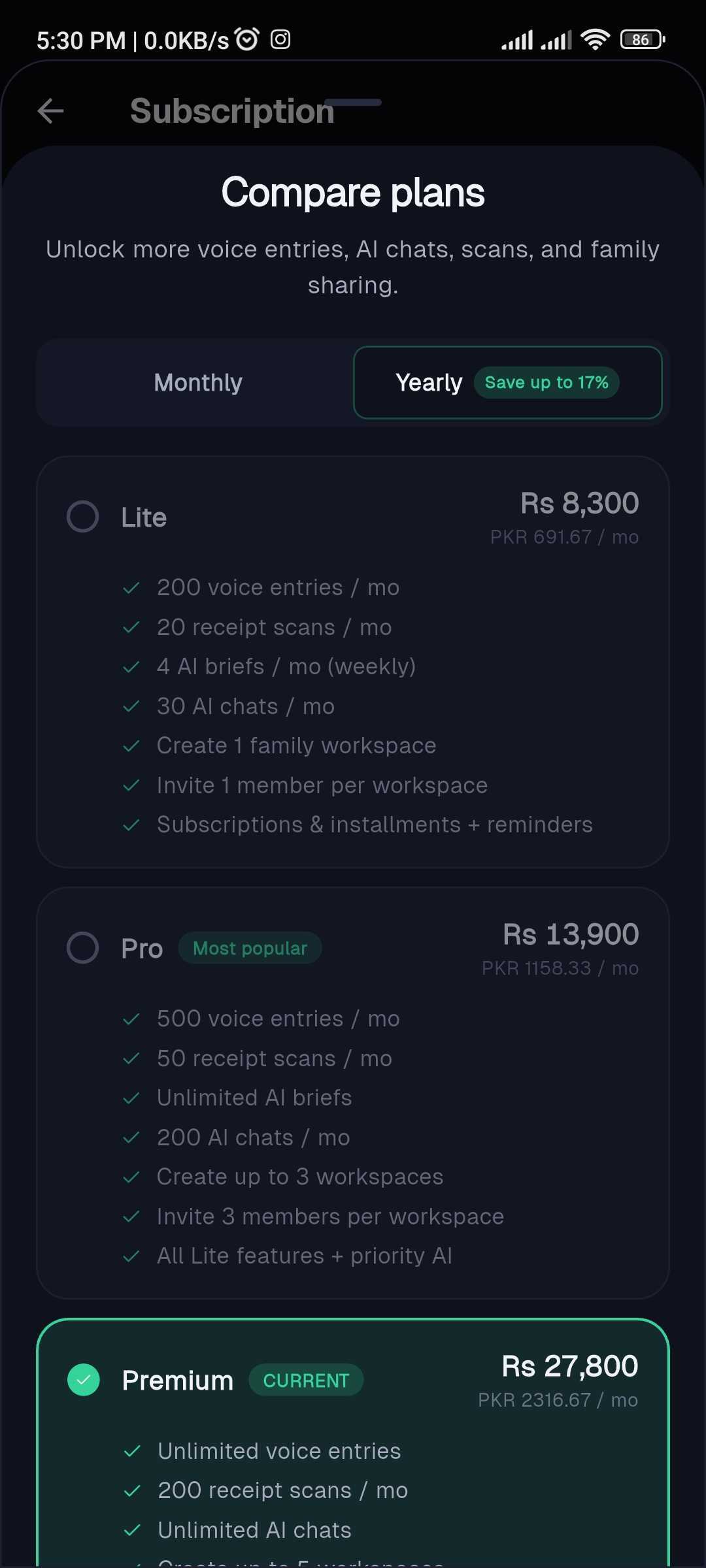
Compare what each plan includes and pick the one that fits.
Note
When you reach a monthly limit for voice, receipts, chat, or insights, that action pauses until your next reset or an upgrade, your data is never affected. Typed entries always keep working.
Subscriptions are purchased in the mobile app through the App Store (iOS) or Google Play (Android).
1
Go to Settings → Subscription.
2
Review the plans (tap See all plans to compare), or upgrade when prompted after hitting a limit.
3
Choose a plan and monthly or yearly billing, then confirm the purchase with your store account.
Pick a plan and monthly or yearly billing, then confirm.
Compare and choose a plan from Settings on mobile.
Tip
Upgrades take effect immediately, your new allowances, workspaces, and subscription tracking unlock right away. Your plan is shared across the mobile and web apps.
Open Manage subscription to change or cancel in your store account.
Use Restore purchases if you reinstalled or switched devices and your plan isn't showing.
When do limits reset?
On a paid plan, your monthly allowances reset on your billing day each month (even on a yearly plan, the monthly caps refresh every month). On the Free plan they reset at the start of each calendar month. The Free plan's daily voice cap resets every day at midnight UTC, independent of the monthly reset.
Because billing is handled by the app stores, cancellation is done in your store account:
Android: Google Play → Subscriptions → Tapsayve → Cancel. Or in-app: Settings → Subscription → Manage subscription.
iPhone: Settings → your name → Subscriptions → Tapsayve → Cancel. Or in-app: Manage subscription.
Note
After cancelling, you keep your paid features until the end of the period you already paid for, then move to the Free plan. Your expenses and workspaces are never deleted by cancelling.